
Google Sheets and Excel · version 1.0
Savings Tracker
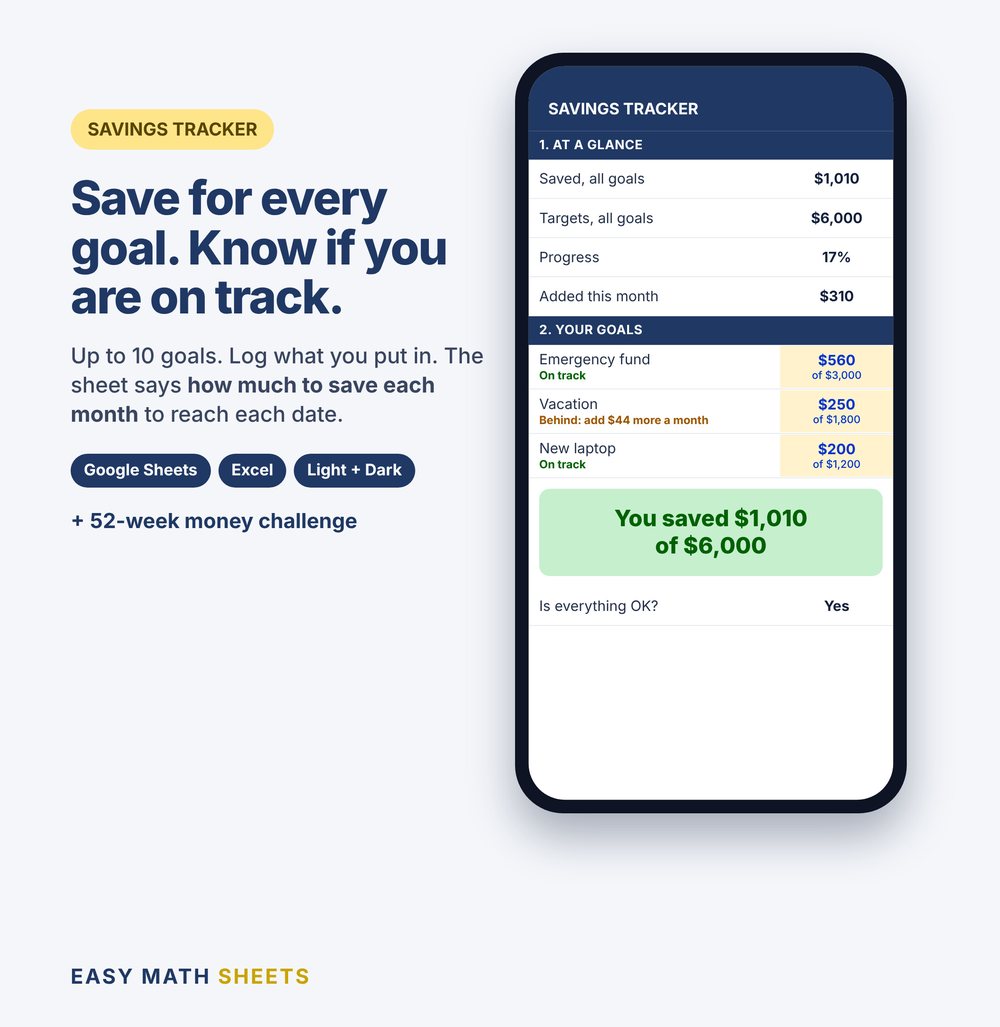
Save for every goal. Know if you are on track.
Type each thing you save for, the amount and the date. Log each time you put money aside. The sheet says how much to save each month to make each date. With a 52-week challenge.
Pay on Etsy. Download right after you pay.
- Works on your phone with the free Google Sheets app
- Also Microsoft Excel 2010 or newer
- Something not working? Tell us and we fix it
How it works
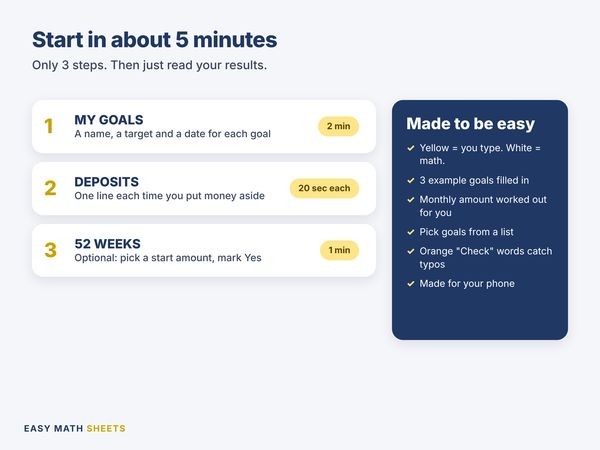
- 1
MY GOALS
Type each goal: a name, how much you need, the date, and what you plan to add each month.
2 minutes
- 2
DEPOSITS
One line each time you put money aside. Pick the goal from the list.
20 seconds a line
- 3
52-WEEK CHALLENGE
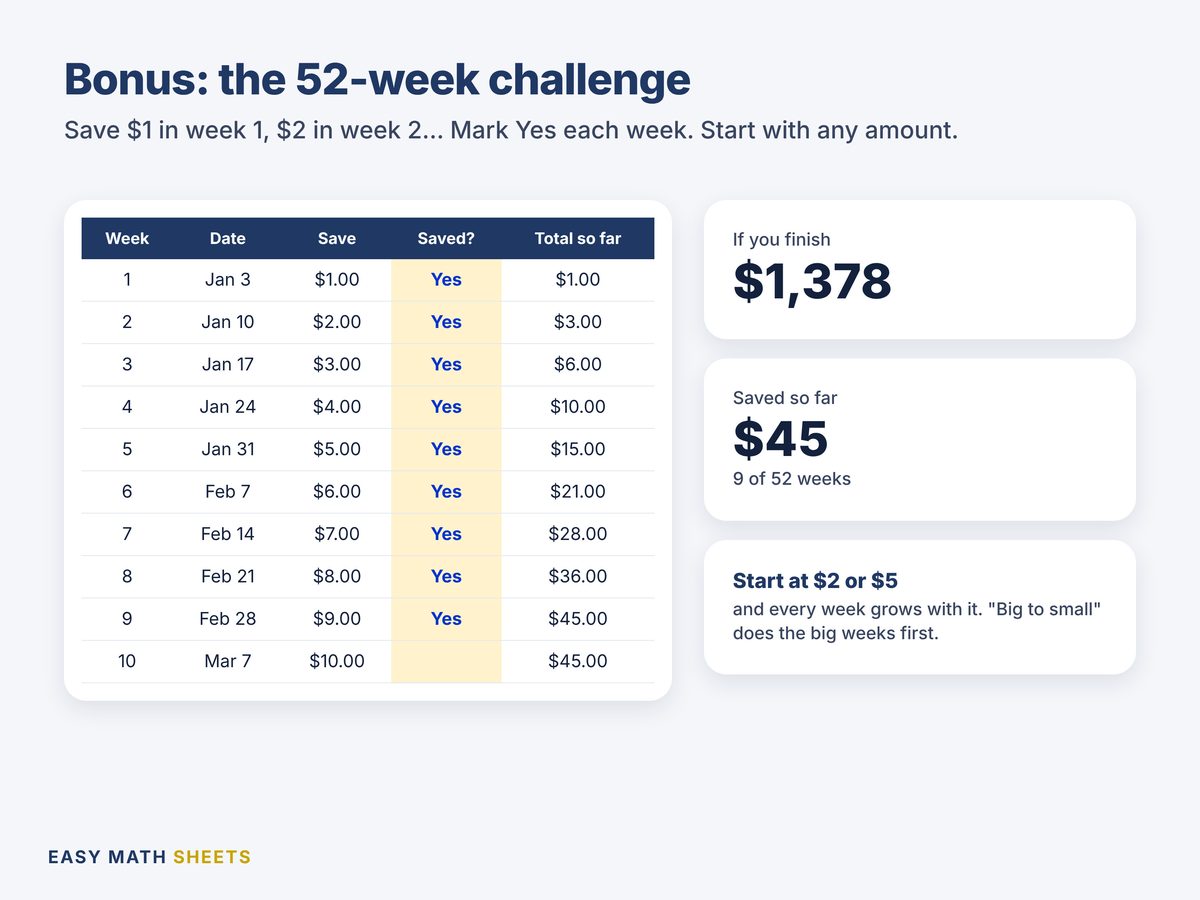
Optional. Pick a start amount and mark Yes each week.
1 minute
Then read MY GOALS. Each goal says On track, Done, or how much more to add each month.
See it
What's inside: 4 tabs
- START HERE
- 3 steps to begin, the color code and an "Is everything OK?" check.
- MY GOALS
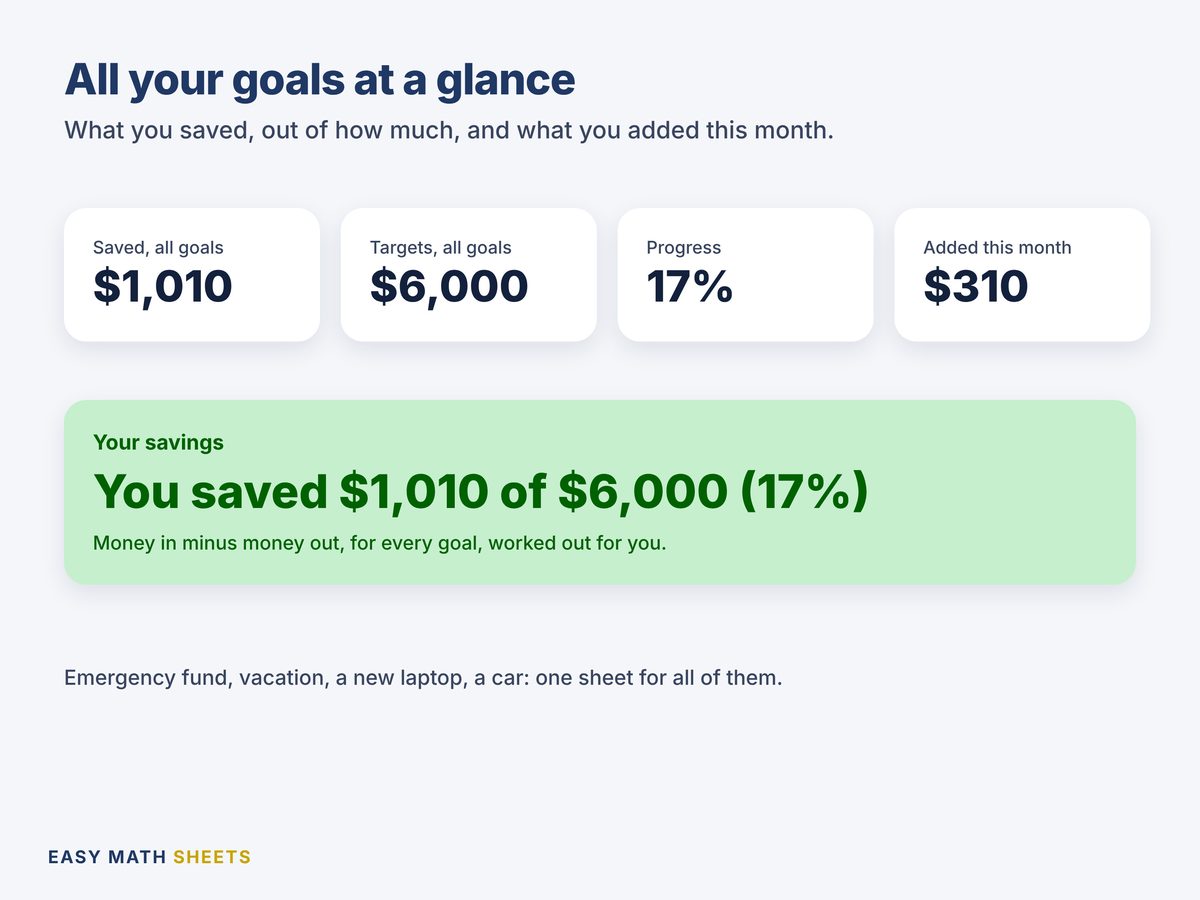
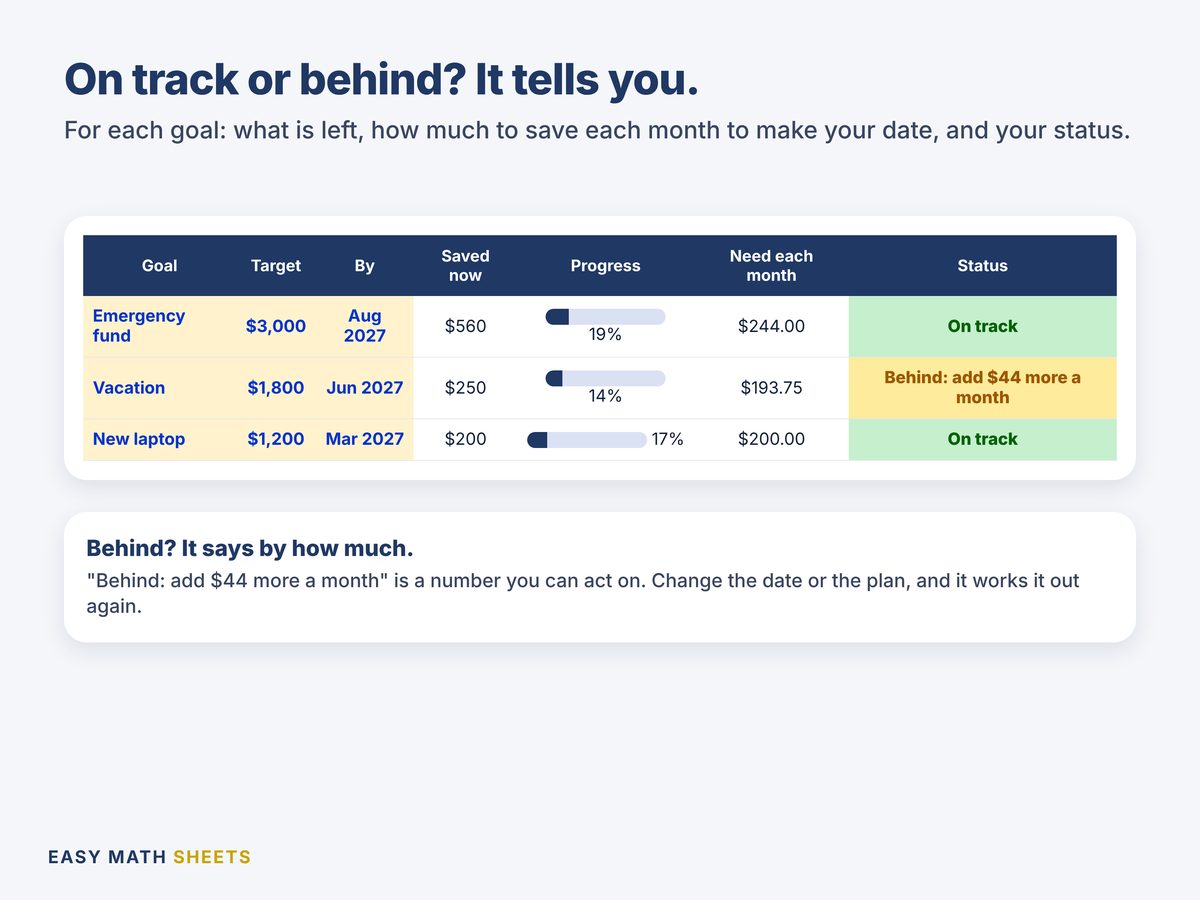
- Up to 10 goals. Saved now, still to save, a progress bar, how much you need each month and a status for each goal. At the top: saved, targets, progress and what you added this month.
- DEPOSITS
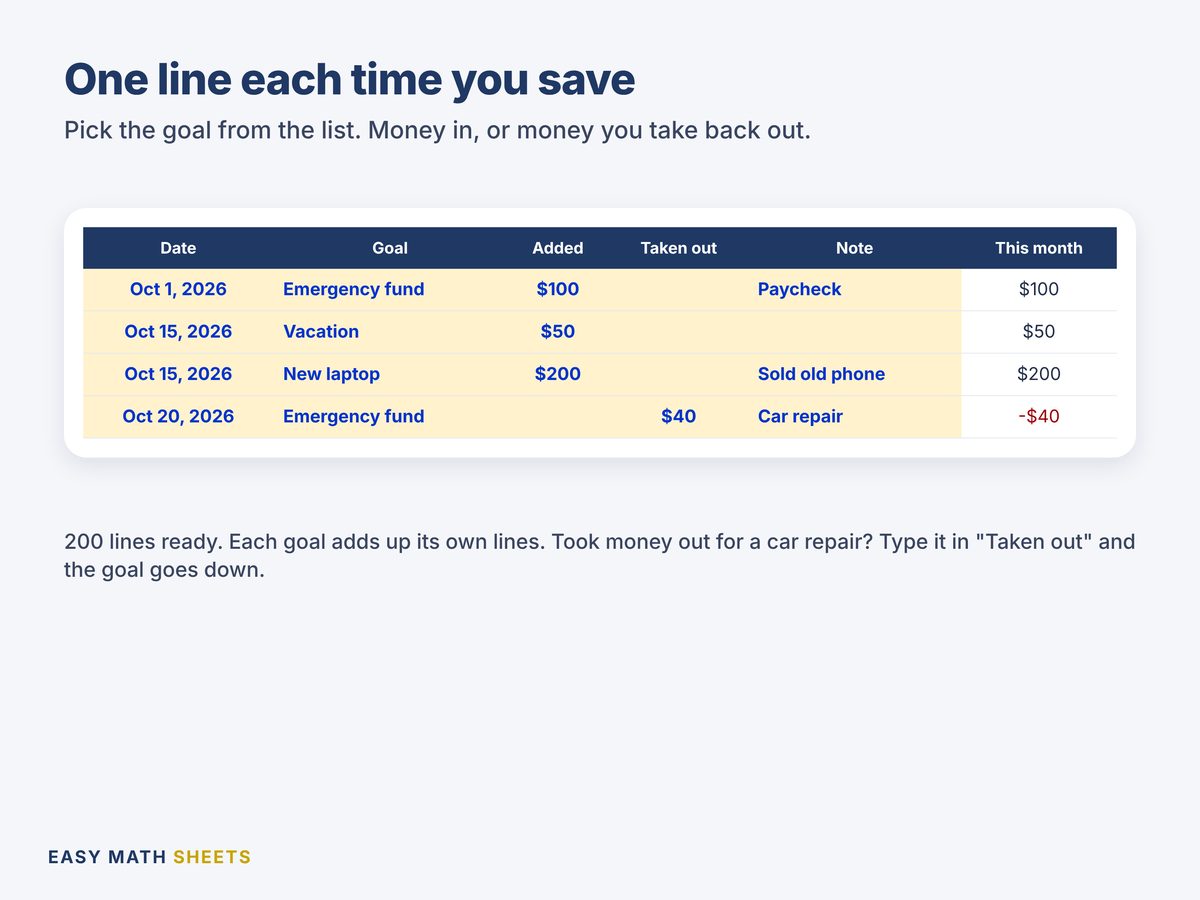
- 200 lines. Date, goal, added, taken out, a note, this month and a check.
- 52-WEEK CHALLENGE
- 52 weeks with the amount, an optional date, Yes or No and the total so far. Small to big or big to small.
Made to be easy
- You type only in the yellow boxes. Three example goals are filled in.
- "Need each month" splits what is left by the months to your date.
- Behind? It says by how much, like "Behind: add $44 more a month".
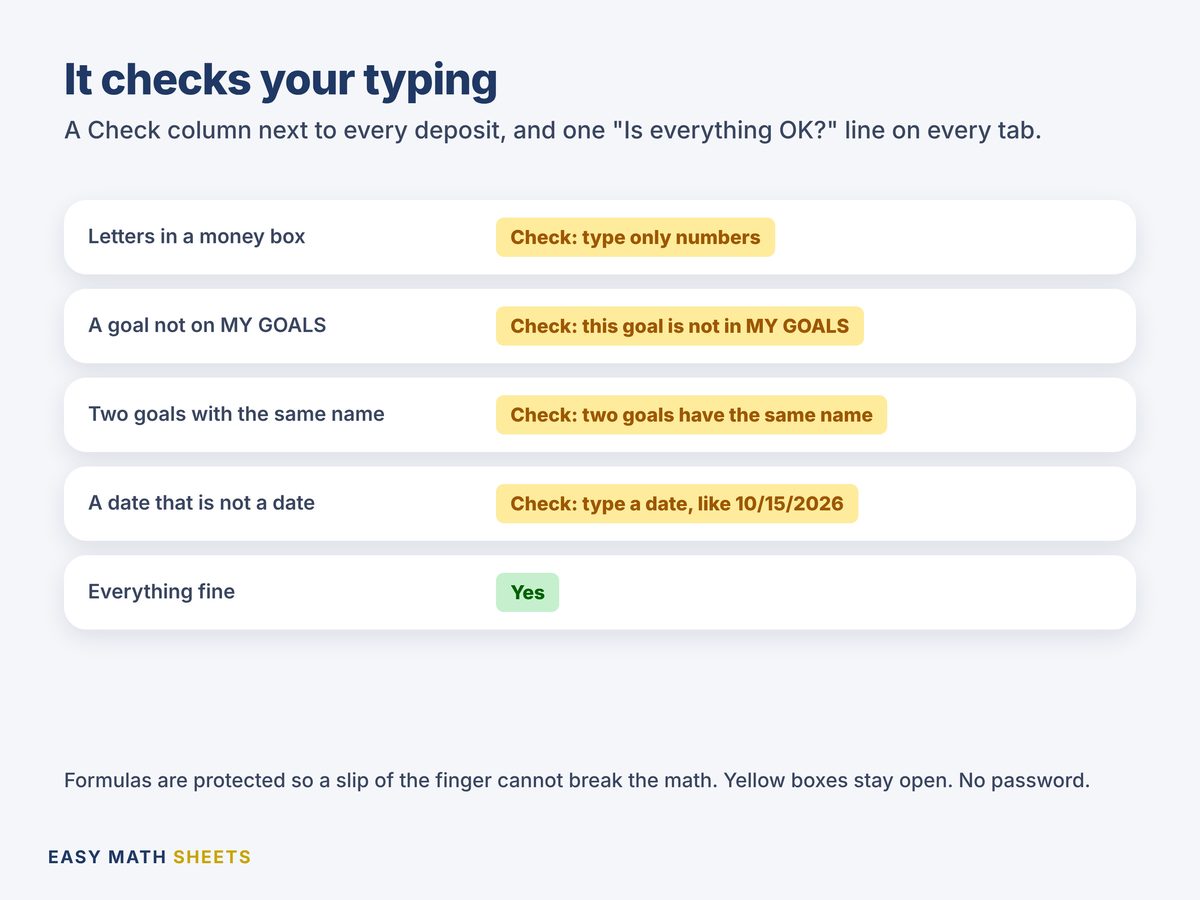
- Orange "Check" words catch typos, like a goal that is not on your list.
- Works on your phone with the free Google Sheets app.
What it counts
- Up to 10 savings goals
- 200 deposit lines, money in and money out
- How much to save each month for each date
- On track, Done or Behind for each goal
- A 52-week challenge: $1 a week grows to $1,378
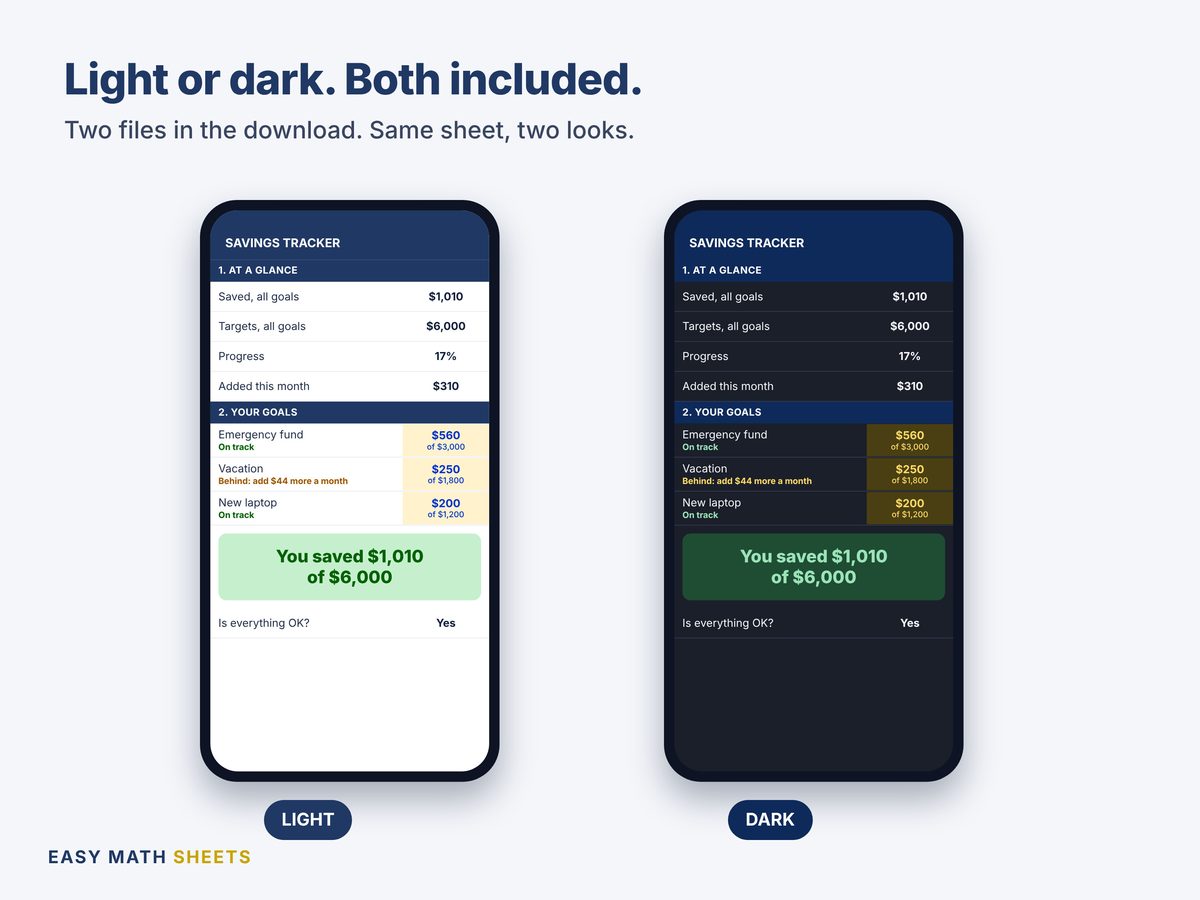
- Light and dark versions
What you get
- Savings_Tracker.xlsxYour tracker, light look, with 3 example goals
- Savings_Tracker_Dark.xlsxThe same sheet in dark mode. Use the one you like
- Quick Start Guide (PDF)2 pages in plain English, with buttons to make your own copy in Google Sheets
Works on
- Google Sheets (free), on your phone or computer. The guide has buttons to make your own copy.
- Microsoft Excel 2010 or newer.
- No macros. No add-ons. No account with us.
What it does not do
- No bank connection. You type your own numbers.
- Not financial advice. It shows the math of your plan.
Ready to save for your goals?
$1.98. One time. Download right after you pay. Open the guide, make your copy, type your goals. Five minutes.
Questions people ask
How do I get the files?
This is a digital download. Nothing is shipped. After you pay on Etsy, download the files from your Etsy account (Purchases). Open the PDF guide first.
Does it work on my phone?
Yes. Use the free Google Sheets app. The guide has buttons to make your own copy, light or dark. It also works in Microsoft Excel 2010 or newer.
How does it know if I am on track?
It takes what you still need and splits it by the months left to your date. If what you plan to add each month is that much or more, you are on track. If not, it says how much more to add.
I took money out of a goal. What do I type?
Add a line in DEPOSITS, pick the goal and type the amount in Taken out. The goal goes down by that much.
Something is not working. What do I do?
Send us a message on Etsy. We answer and fix it. If we can't, we review your case for a refund.
Good to know
- The goals are examples. Type yours over them.
- Months to go count from this month to the month of your date.
- This is a planning tool. It is not tax, legal or financial advice.
- Single-user license: for you and your home. Please do not resell or share the files.
- We design every spreadsheet. We use AI tools to help write and test some formulas and text. Every formula is tested before sale.